Scrollout press kit
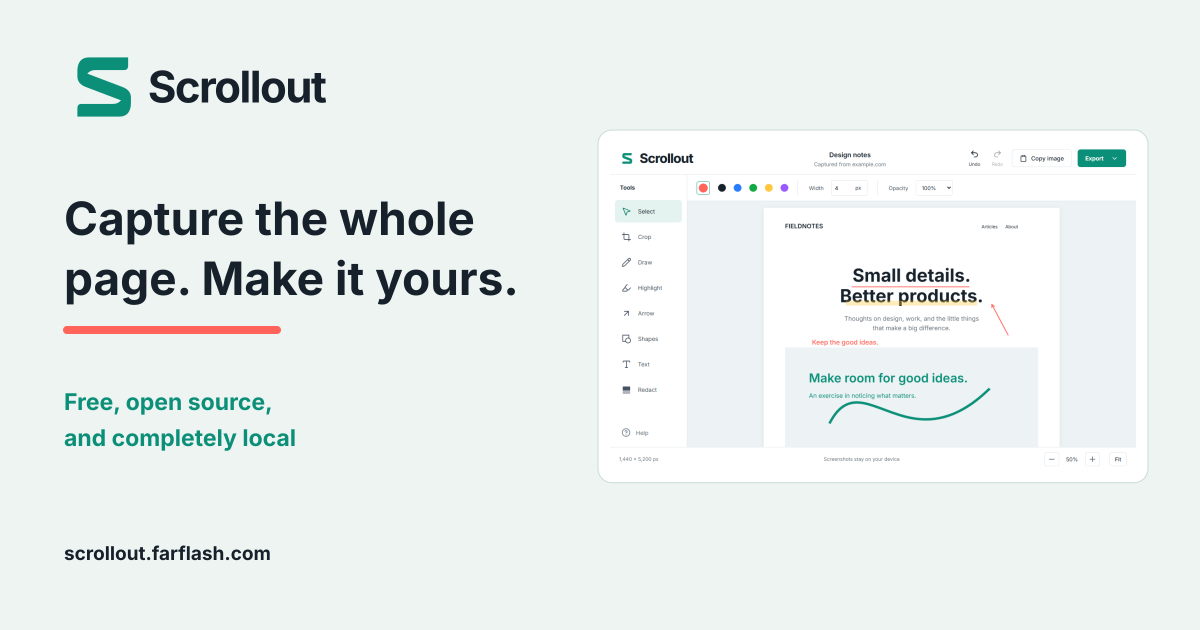
Free, open source, and completely local. A full-page screenshot extension with a simple editor and every tool included.
About Scrollout
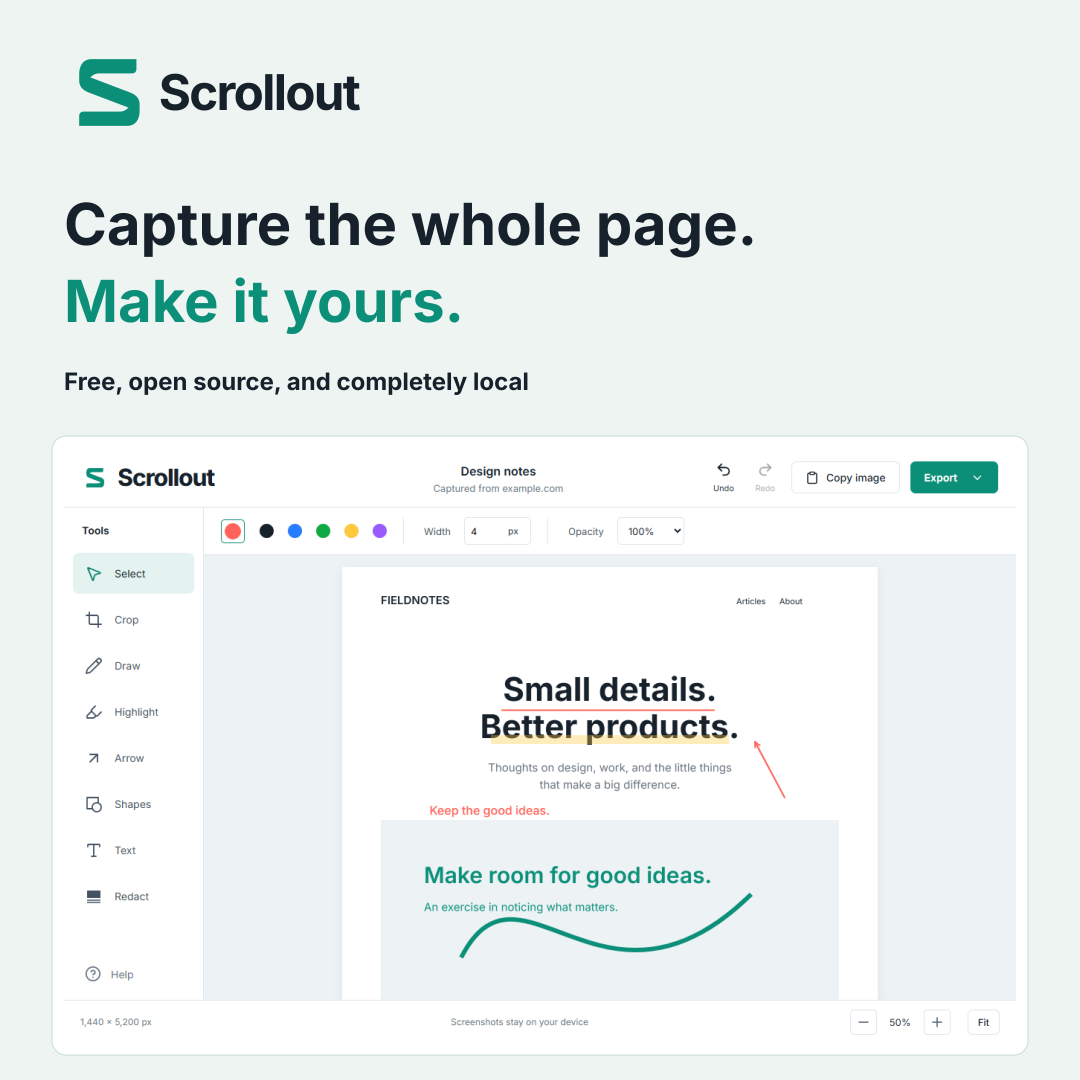
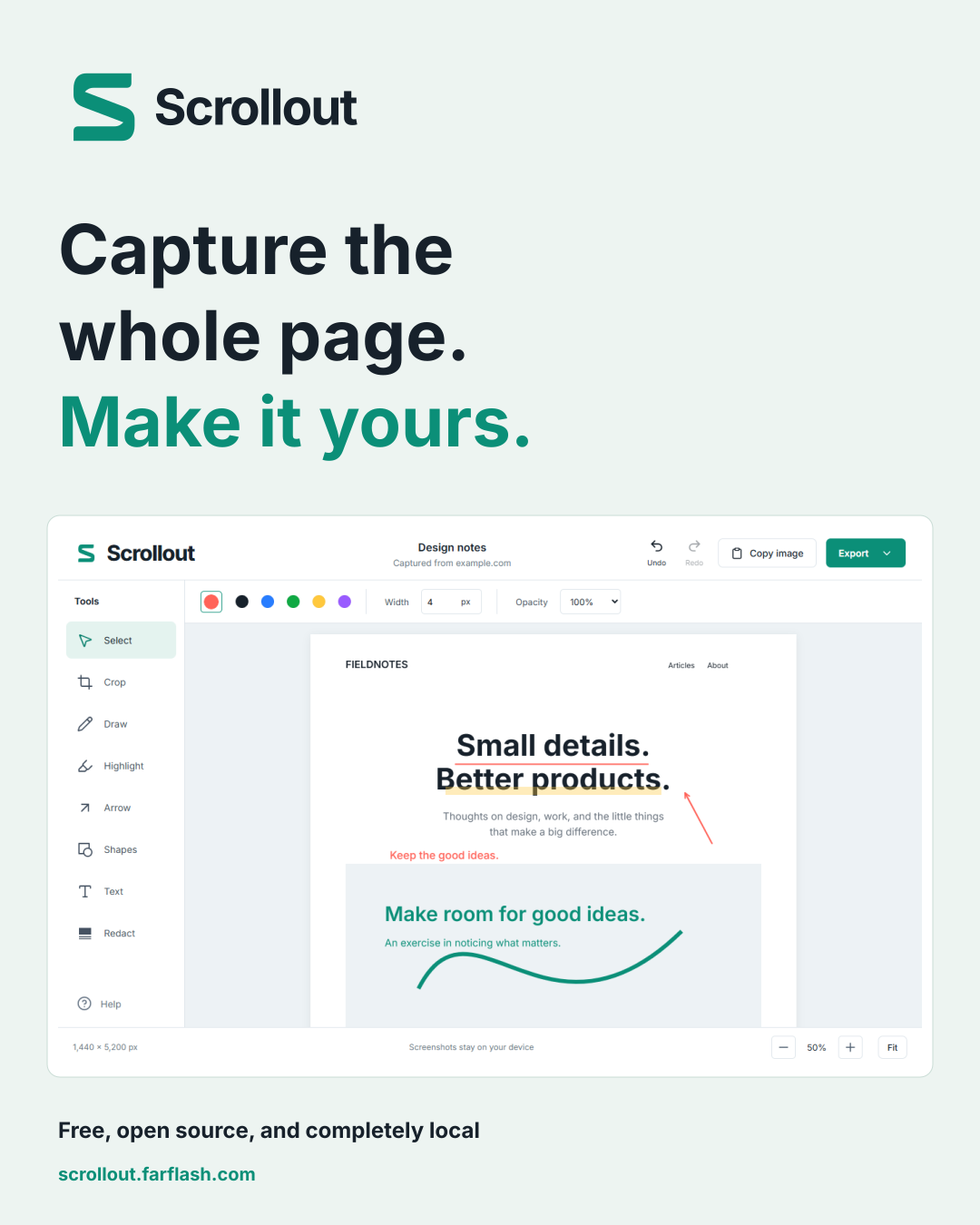
Scrollout is a free Chrome extension from FarFlash Group Ltd. Capture an entire webpage, then draw, highlight, crop, add arrows, shapes or text, redact sensitive areas, and export PNG, JPEG, or paginated A4 PDF. Screenshots are processed locally and never uploaded to FarFlash. There are no accounts, analytics, subscriptions, or paid editing tools.
Facts at a glance
- Publisher
- FarFlash Group Ltd.
- Platform
- Desktop Chrome 120 and later
- Version
- 1.0.2
- Price
- Free; every tool and export included
- Source license
- MIT - GitHub repository
- Contact
- scrollout@farflash.com
Logos and launch artwork
Download the press kit ZIP for approved SVG logos, PNG icons, launch artwork in three sizes, real editor screenshots, and usage notes.
- Teal horizontal SVG logo
- Teal symbol SVG
- Landscape artwork - 1200 × 630 PNG
- Square artwork - 1080 × 1080 PNG
- Portrait artwork - 1080 × 1350 PNG

Use the assets accurately
Keep the logo’s shape and colors intact, with clear space of at least one-quarter of the symbol’s width. Editor screenshots use illustrative Fieldnotes content. Describe them as product examples; they are not customer testimonials. Inclusion here does not imply that Scrollout endorses a publication or another product.
Try it and check the boundaries
Current installation instructions are kept on the homepage. Capture covers ordinary document scrolling at the initial page length. Nested scrolling widgets and embedded frames retain their visible contents. Browser-protected pages can block capture. Captures are temporary; export before closing the last editor.